
A quiet menu-bar app for macOS
Present everything.
Hide the rest.
SefaShare gives your meeting a filtered view of your Mac. Pick the windows nobody should see — they stay open for you, and out of every frame you share.
7 days free · One-time price · Nothing leaves your Mac

TRY IT
Tick a window. Watch it disappear.
Your Mac keeps everything. The Audience View only shows what you allow.
HIDE FROM AUDIENCE
Your Mac
Keynote
Chrome
Terminal
Slack
Messages
Audience View
Keynote
Chrome
Terminal
Slack
Messages
Works with any app that shares a window
Zoom
Google Meet
Microsoft Teams
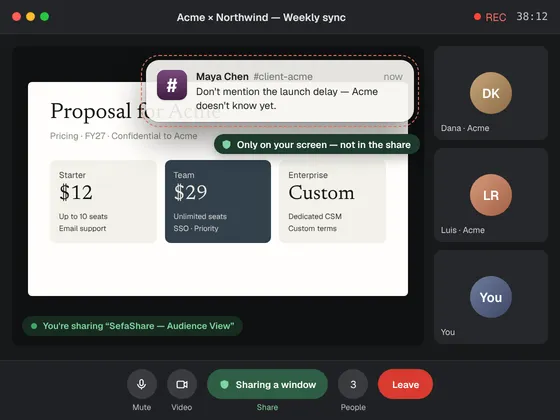
You've been there.Mid-demo, a message slides in.Everyone saw it. SefaShare makes surethat never happens again.
Three steps. Then just present.
01
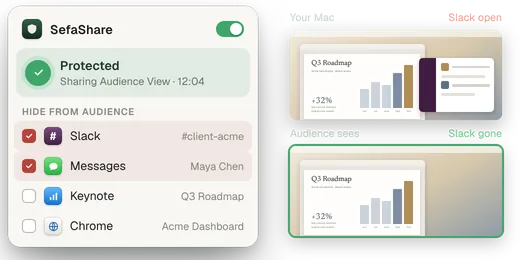
Pick what to hide
Tick Slack, Messages, anything private — right from the menu bar.
02
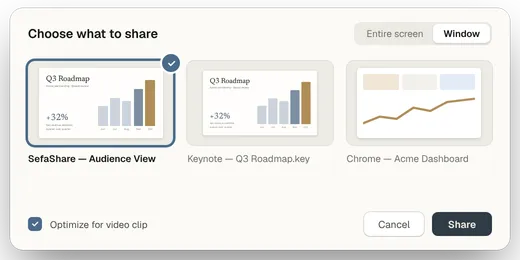
Share one window
In your meeting app, choose “SefaShare — Audience View”. Not the entire screen.
03
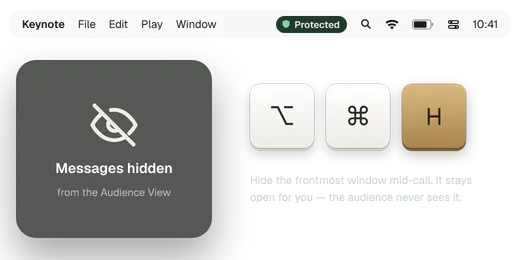
Present normally
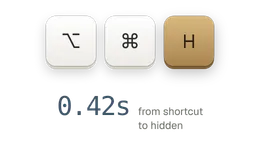
Switch apps freely. Hide more windows mid-call with ⌥⌘H.
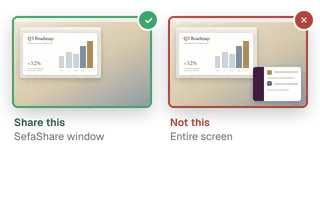
The one rule: share the window, not the screen.
That's the only thing we can protect — and we remind you every time.
Built to be trusted in the meetings that matter.
STATUS AT A GLANCE
Never a false green.
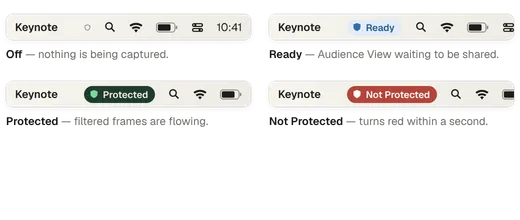
Protected only shows while filtered frames are flowing. Anything else turns red within a second.
Never leaves your Mac
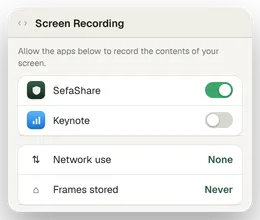
On-device capture. No uploads, no recordings, no account.
Instant changes
Hide or show a window mid-call.
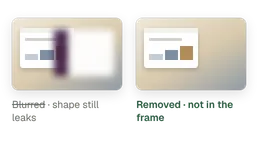
Removed, not blurred
Hidden windows are never in the image at all.
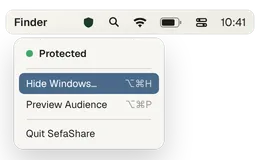
Native to your Mac
Lives in the menu bar. Built on ScreenCaptureKit, signed and notarized.
Made for people who present.
Everyone has a window they'd rather keep to themselves.
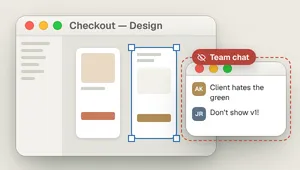
Designers
Walk through Figma with team chat still open.
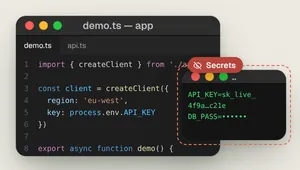
Developers
Demo code. Keep the terminal with secrets private.
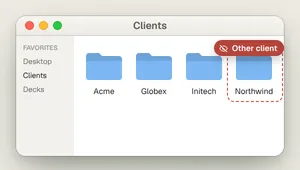
Consultants
Never show one client another client's work.
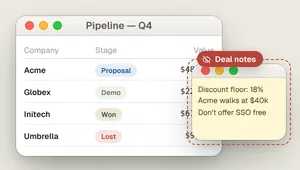
Sales teams
Jump between CRM, decks and demos without a slip.
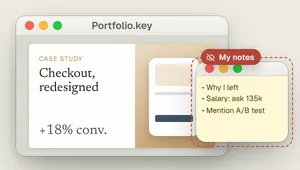
Candidates
Present your portfolio with your notes open.
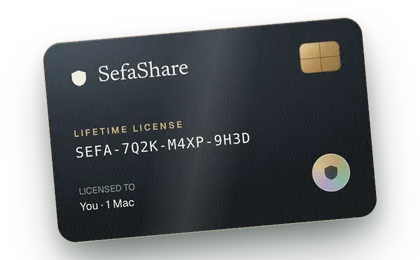
LIFETIME LICENSE
[PRICE]once
7 days free with every feature. No subscription, no account.
Download free trial macOS 15 or later · Apple silicon recommended